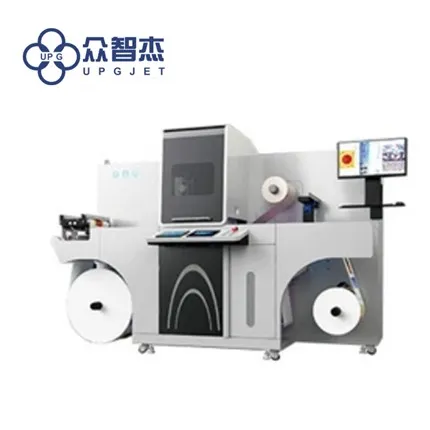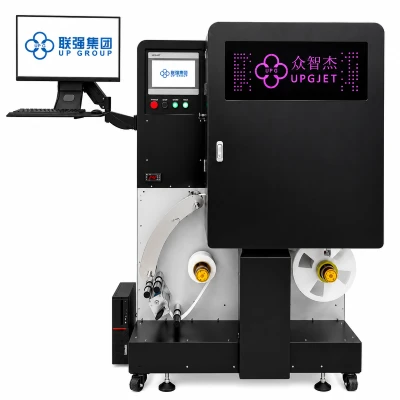

1. Make sure that the printer has a stable working platform and do not place any objects on the top of the printer.
2. The front cover of the printer must be closed when printing to prevent dust from entering the printer or other hard objects obstructing the movement of the printer carriage.
3. It is forbidden to plug or unplug the printer cable with power on, as this will damage the printer's print port and the PC's parallel port, or even damage the PC's main board.
4. If the print output is not clear, use the automatic cleaning function of the printer to clean the nozzle.
5. When the print head is restarted without returning to the initial position, the printer will first return the print head to the initial position, and then perform the operation of cleaning the print head, which will cause unnecessary waste of ink. The solution to this problem is often Wipe off the dust on the guide shaft and lubricate the guide shaft. Use a lubricant with good fluidity, such as sewing machine oil, to ensure the surrounding environment is clean.