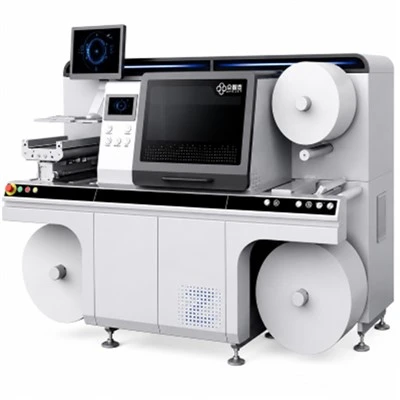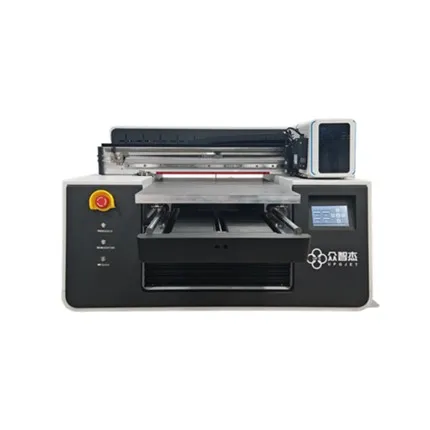

UPG as a Digital Finishing Enhancement supplier.Our digital enhancement system integrates a variety of advanced processes, such as digital stamping, glazing, and braille production, to provide customers with efficient, low-cost, and high value-added solutions. At the same time, we strictly control product quality and ensure that every machine shipped undergoes rigorous testing before dispatch. We welcome you to learn more about our products. If you have any special needs, please feel free to contact us. We are committed to providing professional pre-sales and after-sales services.
-
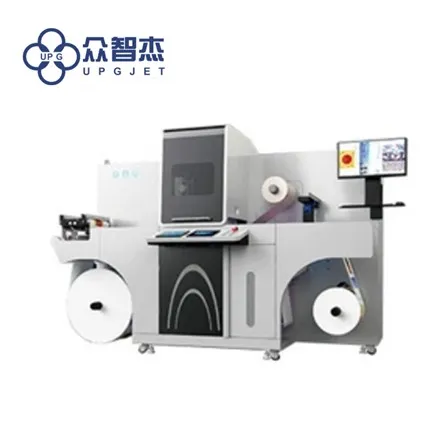
![LQ-MD 330 DS Digital Enhancement System]() LQ-MD 330 DS Digital Enhancement System-Inline web cleaner and corona treatmentview more
LQ-MD 330 DS Digital Enhancement System-Inline web cleaner and corona treatmentview more
-Digital Inkjet varnish
-Digital inkjet foiling which able to use all traditional cold foil
-UV LED curing capability with... -
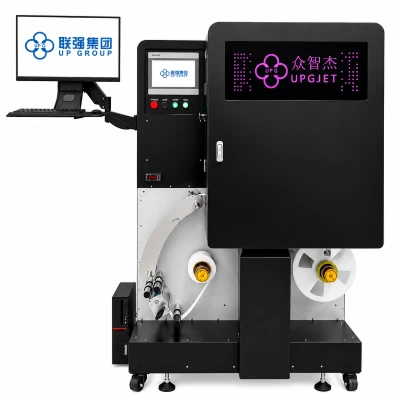
![UL-E350S Digital Spot UV Varnishing Machine]() UL-E350S Digital Spot UV Varnishing MachineDOD(Drop-On-Demand) Inkjet Technologyview more
UL-E350S Digital Spot UV Varnishing MachineDOD(Drop-On-Demand) Inkjet Technologyview more
Business Cards, Personalized Packaging, Book covers, Greeting cards, Magazines, Invitations, Posters, Product drawings, Labels, Desk Calendars, PVC,... -
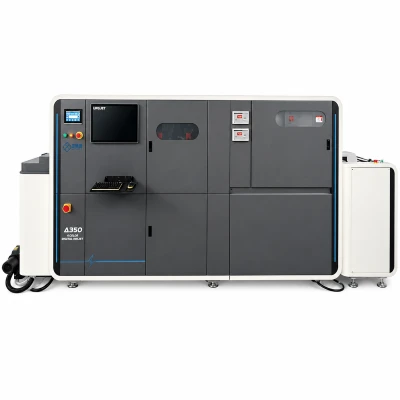
![LQ-MD AD Digital Flat & Tactile Effects Spot Uv Coater With Inline Cold Foiling]() LQ-MD AD Digital Flat & Tactile Effects Spot Uv Coater Wi...-Automatic feeding unitview more
LQ-MD AD Digital Flat & Tactile Effects Spot Uv Coater Wi...-Automatic feeding unitview more
-Stamping system
-UV LED UV light source -
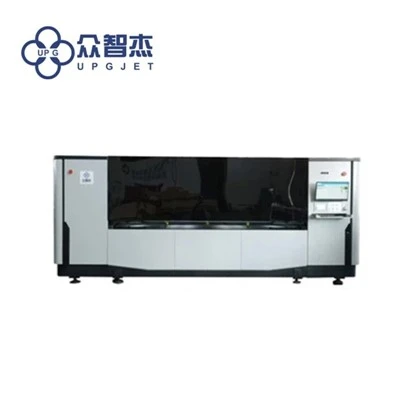
![LQ-MD B2/D3 And LQ-MD B2/D8 finishing cold foil with 2D spot UV and 3D embellishment equipment]() LQ-MD B2/D3 And LQ-MD B2/D8 finishing cold foil with 2D s...LQ-MD B2/D3 And LQ-MD B2/D8 finishing cold foil with 2D spot UV and 3D embellishment equipmentview more
LQ-MD B2/D3 And LQ-MD B2/D8 finishing cold foil with 2D s...LQ-MD B2/D3 And LQ-MD B2/D8 finishing cold foil with 2D spot UV and 3D embellishment equipmentview more
-Automatic feeding unit
-Stamping system
-UV LED UV light source


What is Digital Finishing Enhancement ?
Digital post-press processing is a process that uses advanced technology to enhance colour vibrancy, improve texture, and overall visual appeal is very advantageous in order to improve the print process, this innovative technology, through digital post-press processing enhancement technology, companies can improve the quality of printing, and deepen the target customer's impression of the printed product.
What are advantages of Digital Enhancement System ?
Fully digital process
With an all-digital solution, no additional cumbersome settings are required, and the goal can be achieved with only bar codes or QR codes and variable data in PDF or optimized PDF files.
Strong product applicability
It can not only be perfectly cooperate with other brand digital printing presses, but also perfectly matched with most traditional printer.
Durable embossment without deformation
Using unique UV inkjet printing technology, the crystal clear resin varnish can be adhered tightly, stable, full, durable and compliant. Embossed characters and graphics can maintain a clear outline and will not be deformed or flattened.
Accurate and fast overprinting
Through simple paper path design, precise registration of digital UV varnishing and stamping can be done in one time, which can reduce the waste of paper and process and greatly improve production efficiency.
Types of Digital Finishing Enhancement

Digital Enhancement System

UV Coater With Inline Cold Foiling

Embellishment Equipment
Digital Enhancement System
This Digital Enhancement System combines digital stamping (embossing), digital varnishing, forsting, 3D bright, spot varnishing, braille, personalized arts, variable data printing, special printing process to highlight your press work and multiply the value.
UV Coater With Inline Cold Foiling
Highly efficient data processing and robust inkjet control system. File upload → camera register → AI file edit → RIP processing → add printing jobs → Inkjet printing, done.Basic setup extension. You can choose single pass high speed mode or scanning mode to meet different production and process requirement.
Embellishment Equipment
We, herewith, detailedly introduce our JET UV/Cold-stamping to integrate into the D series of machine, Whose series are specialized in researching&developing, manufacturing, installing for Customization and delivering according customers' demands.Without any module or printing plate, Jetouch digital UV/Cold-stamping D series could vividly display 3D UV and digital stamping effects on the surface of printing productions through repeatable printing or stamping.
Specification of Digital Label Printer
| Model | Resolution | Speed | Dimension | Width | File Format | Sheet Size |
| LQ-MD 330 DS | Max 1080x360 dpi | 6mpm - 30mpm (depending on printing thickness) | 3500 x 1900 x 1800mm | Max 288mm x 5M | PDF and varies barcodes format | ------ |
| LQ-MD AD 580 | 1080DPI、720DP1、360DPI | 3000(sheets/hour)(720 DPI) | 6500X1600X1850mm | ------ | TIFF、PDF、PS | 580X760mm 297X210mm |
| LQ-MD AD 350 | 1080DPI、720DP1、360DPI | 3600(sheets/hour)(720 DPI) | 6500X1600X1850mm | ------ | TIFF、PDF、PS | 350X645mm 297X210mm |
| LQ-MD B2/D3 | 1080DPI、720DPI、360DPI | A3+ 320X464mm 10 sheet/min | 6700X1600X1850mm | 530mm | PRT TIFF PDF | 530 X 760mm |
| LQ-MD B2/D8 | 1080DPI、720DPI、360DPI | A3+ 320X464mm 15 sheet/min | 6700X1600X1850mm | 570mm | PRT TIFF PDF | 580 X 760mm |
Application of Digital Finishing Enhancement
 |
 |
| Application for washi tape | Application for alcoholic label |
 |
 |
| Application for cosmetic label | Application for food label |
FAQ
Q: What is enhancement techniques?
Q: What are the types of enhancements?
Explicit enhancement options which have to be inserted in the source code.
Q: What does a UV coater do?
Q: What are the disadvantages of UV coating?
Q: How long does UV coating last?
Q: Is UV coating environmentally friendly?
Q: Can UV coating be recycled?
Q: What is embellishment in printing?
Q: What is the phenomena of ink running?
Q: The paper feeding of label printer is unnormal:
Q: The label printer cannot locate the small labels properly when printing them:
Q:The content cannot be printed completely in label printer:
Q: How to adjust the blurring of inkjet printing:
Q: The ink cartridge is not installed properly, resulting in no printing:
Q: There are disconnections and white stripes during printing, and the ink tube of the printer enters the air:
Q: The ink cartridge sometimes leaks ink from the printhead:
Q: Four printing technology:
Q: Why does the phenomenon of ink running occur?
Q: The paper feeding of label printer is unnormal:
Q: The label printer cannot locate the small labels properly when printing them:
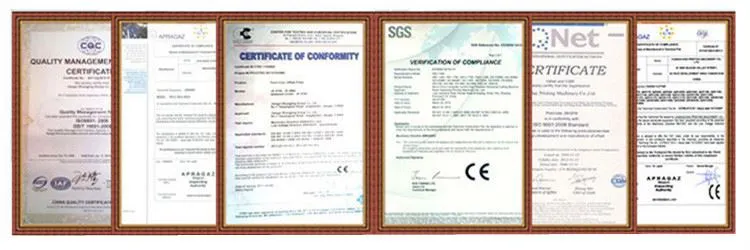
Certificate
Exhibition
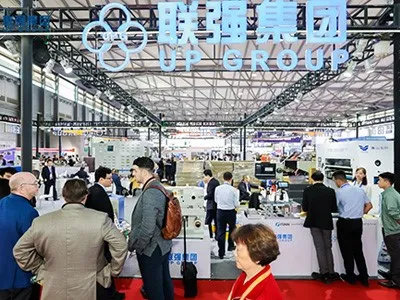
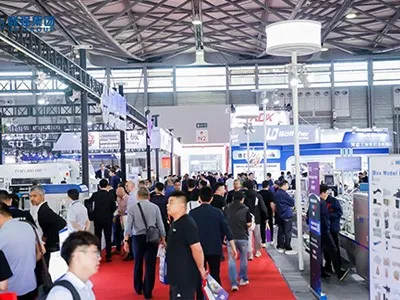

We're well-known as one of the leading digital finishing enhancement manufacturers and suppliers in China. Please feel free to buy customized digital finishing enhancement from our factory. For quotation and free sample, contact us now.