

Hey there, design enthusiasts and business owners! I'm from a digital cutter supplier, and today, I'm super stoked to chat about how our amazing digital cutters interact with design files. It's like a behind - the - scenes look at the magic that happens when creativity meets technology.
Understanding Design Files
First off, let's talk about design files. These are the blueprints for your projects. They come in all sorts of formats, like AI (Adobe Illustrator), EPS (Encapsulated PostScript), PDF (Portable Document Format), and SVG (Scalable Vector Graphics). Each format has its own perks. For instance, AI files are great for detailed vector graphics created in Adobe Illustrator. They hold all the layers and editing information, which is super handy if you want to make changes later on.

EPS files are widely used because they can be easily shared between different design and printing software. They're also compatible with both Mac and PC systems. PDFs, well, we all know them. They're like the universal language of documents. You can include text, images, and graphics in a PDF, and it'll look the same no matter where you open it. And SVG files? They're perfect for web - based designs because they're scalable without losing quality.
The Digital Cutter's Role
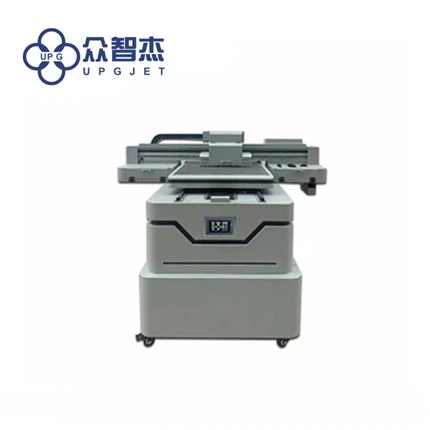
Now, let's get to the star of the show: the digital cutter. Our digital cutters, like the UC - 4060S - C DTF Heat Transfer Film Flatbed Cutting Machine, are designed to bring your design files to life. When you load a design file into the cutter's software, it's like giving it a set of instructions.
The cutter's software reads the file and figures out the paths and shapes that need to be cut. It analyzes the details, such as the thickness of lines, the angles of curves, and the overall layout. This process is crucial because it determines how accurately the cutter will execute the design.
Compatibility is Key
One of the most important things to ensure is that your digital cutter is compatible with your design files. Our cutters are designed to work with a wide range of file formats, so you don't have to worry too much. But it's still good to double - check.
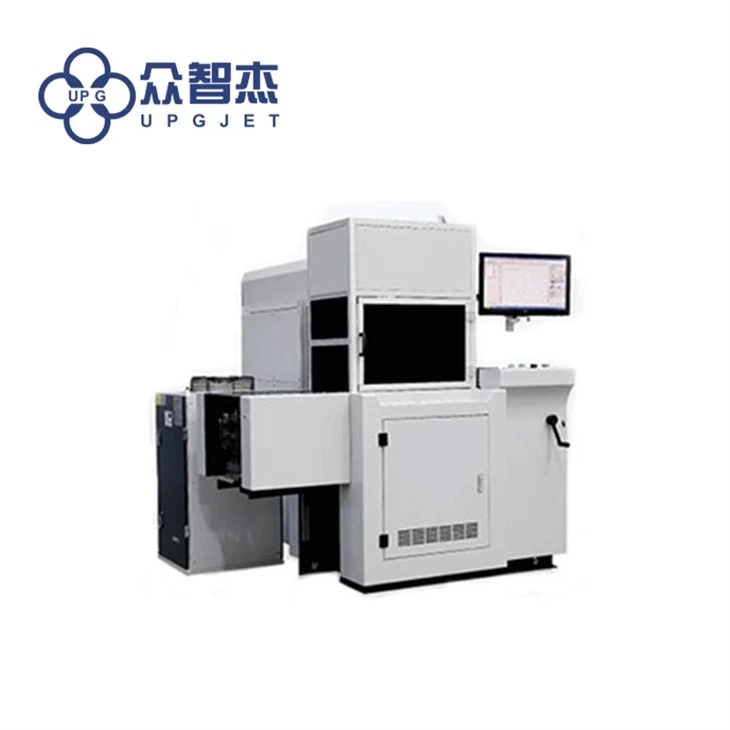
For example, the LQ - MD 340S Single Sheet Laser Cutting Machine can handle most common vector file formats. This means that whether you've designed your project in Adobe Illustrator or another vector - based software, you can easily transfer the file to the cutter and start the cutting process.
Preparing the Design File
Before you send your design file to the digital cutter, there are a few steps you need to take. First, make sure your design is in the correct scale. You don't want a tiny design to be cut as a huge one or vice versa. Most design software allows you to set the scale of your design accurately.
Next, check for any overlapping or intersecting paths in your design. These can cause issues during the cutting process. You can use the software's path - editing tools to clean up these problems.
Also, it's a good idea to preview your design in the cutter's software. This gives you a chance to see how it'll look when it's cut and make any last - minute adjustments.
The Cutting Process
Once your design file is all set, it's time for the cutting to begin. The digital cutter uses different cutting methods depending on the type of material and the design requirements.
For example, our LQ - MD 350 Dual - laser Cutting Machine uses laser technology. The laser beam is controlled by the cutter's software to follow the paths in the design file. It can cut through materials like paper, cardboard, and even some plastics with high precision.
On the other hand, the LQ - MD 330B Digital Label Cutter uses a blade to make the cuts. The blade is moved along the paths in the design file, allowing it to cut labels, stickers, and other thin materials.
During the cutting process, the cutter's software continuously monitors and adjusts the cutting parameters. It ensures that the speed, pressure, and depth of the cut are just right for the material and the design.
Error Handling and Quality Control
Sometimes, things don't go exactly as planned. Maybe there's a glitch in the design file or a problem with the material. Our digital cutters are equipped with error - handling features to deal with these situations.
For example, if the cutter detects an issue with the design file, it might pause the cutting process and display an error message. This gives you a chance to fix the problem before the cutter continues.
Quality control is also a big part of the process. Our cutters have features to ensure that the cuts are clean and accurate. They can detect if the cut is off - center or if there are any rough edges and make adjustments accordingly.
The Impact on Your Business
Using digital cutters that can effectively interact with design files can have a huge impact on your business. It allows you to produce high - quality products quickly and efficiently. You can customize products according to your customers' needs, which gives you a competitive edge in the market.
For example, if you're in the packaging industry, the LQ - MD PCM - R Packaging Cutting Machine can help you create unique and eye - catching packaging designs. You can cut different shapes and sizes of boxes, and add custom - cut inserts to protect your products.
Connecting with Your Creativity
In the end, the interaction between a digital cutter and design files is all about connecting your creativity with the real world. It's about taking an idea that exists only in your mind and turning it into a tangible product.
Whether you're a small - business owner, a graphic designer, or a hobbyist, our digital cutters are here to help you bring your designs to life. So if you're interested in learning more about how our digital cutters can work with your design files, or if you're ready to start a purchase negotiation, don't hesitate to reach out. We're always here to assist you in finding the perfect digital cutter for your needs.
References
- General knowledge of digital cutting technology and design file formats
- Product specifications of our digital cutters, including UC - 4060S - C DTF Heat Transfer Film Flatbed Cutting Machine, LQ - MD 340S Single Sheet Laser Cutting Machine, LQ - MD 350 Dual - laser Cutting Machine, LQ - MD PCM - R Packaging Cutting Machine, and LQ - MD 330B Digital Label Cutter.