

Hey there! As a supplier of A3 label printers, I often get asked, "Is it easy to connect an A3 label printer to a computer?" Well, let's dive right into it and break it down.


First off, I gotta say that in today's tech - savvy world, connecting an A3 label printer to a computer is generally a lot easier than it used to be. Most modern A3 label printers come with a variety of connection options, and they're designed to be user - friendly.
One of the most common ways to connect an A3 label printer to a computer is via a USB cable. It's like plug - and - play. You just take one end of the USB cable, plug it into the printer's USB port, and then plug the other end into an available USB port on your computer. Once you've done that, your computer should automatically detect the printer. In some cases, you might need to install the printer driver. But don't worry, the driver installation process is usually a piece of cake. You can either insert the driver CD that comes with the printer or download the driver from the manufacturer's website.
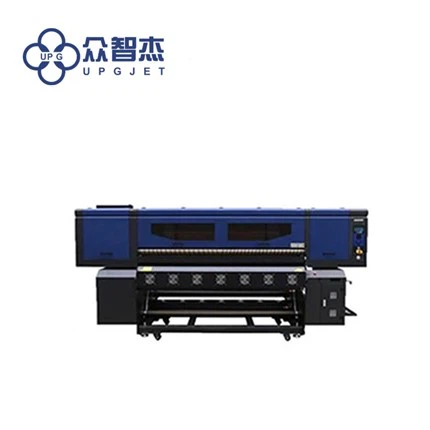
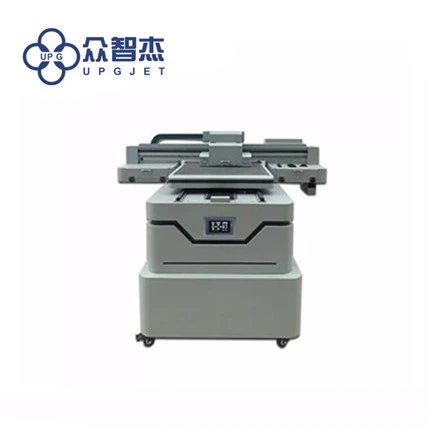
For example, our UPG - 1A Digital Label Printing Machine is super easy to connect using a USB cable. It has a well - designed USB port, and the driver installation is straightforward. You just follow the on - screen instructions, and in no time, you'll have the printer up and running on your computer.
Another popular connection method is Wi - Fi. Wi - Fi connectivity allows you to connect your A3 label printer to your computer without the hassle of cables. If your printer supports Wi - Fi, you first need to connect the printer to your home or office Wi - Fi network. This usually involves going through a setup process on the printer's control panel. You'll enter your Wi - Fi network name (SSID) and password. Once the printer is connected to the Wi - Fi network, you can then connect your computer to the same network.
On your computer, you'll go to the printer settings and search for available printers on the network. When you find your A3 label printer, select it and follow the prompts to complete the connection. Our LQ - MD 603A Wash Label Inkjet Printer offers Wi - Fi connectivity, which makes it really convenient for users who want a cable - free setup. It's great for offices where multiple computers need to access the printer.
Some A3 label printers also support Ethernet connections. This is a good option if you have a wired network in your office. You simply connect the printer to your network switch using an Ethernet cable. Then, on your computer, you'll need to configure the network settings to find and connect to the printer. Ethernet connections are usually very stable and fast, which is great for high - volume printing jobs.
However, it's not always a smooth sail. Sometimes, you might run into a few issues when trying to connect your A3 label printer to a computer. One common problem is driver compatibility. If your computer's operating system is too old or too new, the printer driver might not work properly. In this case, you'll need to check the manufacturer's website for updated drivers.
Another issue could be network problems. If your Wi - Fi signal is weak or your Ethernet connection is faulty, it can prevent the printer from connecting to your computer. You might need to troubleshoot your network, such as restarting your router or checking the Ethernet cable for damage.
But overall, with a little bit of patience and some basic technical knowledge, connecting an A3 label printer to a computer is definitely doable. And if you ever get stuck, most printer manufacturers offer customer support. You can call their support line or check their online forums for solutions.
As a supplier, we're always here to help our customers with the connection process. We provide detailed user manuals and online resources to guide you through the setup. And if you have any specific questions about our A3 label printers, like the UPG - 1A Digital Label Printing Machine or the LQ - MD 603A Wash Label Inkjet Printer, don't hesitate to reach out.
If you're in the market for an A3 label printer and want to discuss your requirements, we're more than happy to have a chat. Whether you need a printer for small - scale label printing or high - volume commercial use, we've got the right solution for you. Just get in touch, and we can start the conversation about finding the perfect A3 label printer for your needs.
References
- General knowledge about A3 label printer connections from industry experience.
- Product manuals of UPG - 1A Digital Label Printing Machine and LQ - MD 603A Wash Label Inkjet Printer.