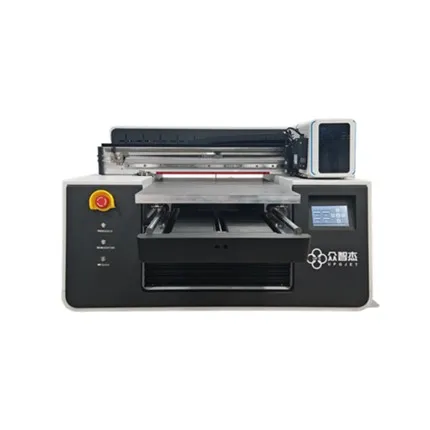

A high degree of restoration of the printed picture of a digital printing machine is the most basic requirement. If the double image of the picture occurs, it will not only cause the output picture quality to be greatly damaged and waste printing materials, but also affect the user's production efficiency and reduce the income. So when the digital printing machine has double images in the drawing, how can we quickly solve it?
The causes of ghosting in digital printing machines are generally caused by grating, trolley frame, parameter calibration, etc. In the actual output process, if you encounter the ghosting problem, you can check according to the possible causes, so that you can quickly solve the problem of the ghosting of the digital printing machine.
1. The raster problem
The grating plays the role of positioning, and the grating decoder is installed on the trolley frame, which can help the digital printing machine to accurately locate the printing position and realize the height restoration of the picture. Once the grating is dirty or damaged, it will lead to inaccurate readings of the decoder, printing deviation, ghosting or misalignment and other problems. At this time, the grating needs to be cleaned or replaced with a new one. Grating cleaning is to wipe the grating in the same direction with a cotton swab dipped in alcohol.
2. Small frame problem
A raster decoder is installed on the trolley frame. Once the trolley frame does not run smoothly, the trolley frame will be stuck, and the nozzles will eject ink randomly, which will also cause ghosting problems in the digital printing machine. The trolley frame does not run smoothly, mostly because the guide rails are too dirty or the gaskets and sliders of the trolley are worn with foreign objects. At this time, it is necessary to clean the guide rails or replace the worn-out parts.
3. Parameter calibration problem
The inaccurate calibration of the parameters of the digital printing machine will also cause ghosting problems in the digital printing image. Inaccurate vertical calibration will cause vertical ghosting; inaccurate horizontal calibration will cause horizontal ghosting. At this time, you need to open the print settings in the software, and then find the two-way calibration, and then you can adjust and test the parameters.