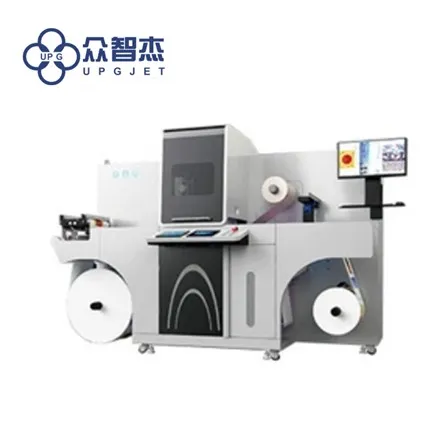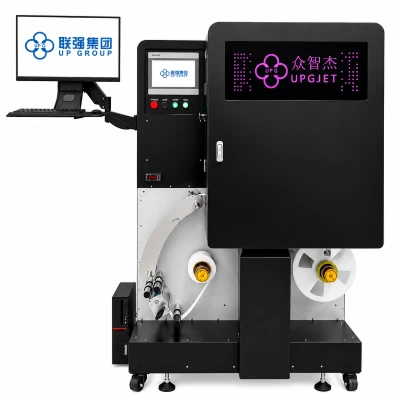

The normal work of the digital printing machine is inseparable from the cooperation of thousands of small parts. When some small parts have problems, it will affect the normal operation of the digital printing machine. Therefore, for some parts of the printing equipment, we must do regular maintenance and cleaning to keep them in the best working condition.
1. Printing machine nozzle
The print head is an indispensable core component of the digital printing machine, so I believe that many friends have a better understanding of its maintenance knowledge. When the nozzle is slightly clogged, use the ink extraction cleaning function of the digital printing machine to clean; when the nozzle is severely clogged, you need to remove the nozzle and put it in the cleaning solution to soak for cleaning. The specific soaking time depends on the degree of clogging of the nozzle. Certainly.
2. Printing machine guide rail
The maintenance of the guide rail of the digital printing machine is a gradual process. First, after turning on the power of the digital printing machine, let the trolley be driven back and forth several times, and the dirt in the guide slider will remain on the guide rail. Repeat several times, and then wipe off the dirt with a paper towel or cloth.
Secondly, after the printing operation of the digital printing machine is completed every day, the guide rails should be cleaned and maintained. Use a clean cloth or non-depilatory paper towel dipped in alcohol to wipe the dirt on the guide rails, and then wipe the guide rails with a clean cloth or paper towel dipped in a little sewing machine oil.
3. Printing machine grating
The grating is a transparent film behind the trolley frame, which mainly plays a role in positioning. If the grating is dirty, there will be problems such as ghosting, misalignment, etc., it is recommended to clean the grating regularly. When cleaning, wipe gently with water, don't use brute force, scrub both sides.
4. Printing machine ink stack
After the photo machine has been working for a period of time, the scraper and ink pad will slowly be stained with ink and dust. If it is not cleaned in time, it may cause ink dripping or clogging of the nozzle; therefore, it is necessary to regularly dip a cotton swab with cleaning fluid to clean the ink stains and impurities on the wiper blade and the ink stack. If the blade has been deformed or damaged, it needs to be replaced with a new blade.
Causes and solutions of broken lines in digital printing machines
The digital printing machine is the darling of the printing industry in recent years and is widely used in the printing field. Although the digital printing machine is a precision instrument, it will occasionally become "tempered" after a long time of use, such as the printing process. The broken line streak phenomenon. So, what are the reasons for the phenomenon of broken lines caused by digital printing machines? When this fault occurs in the digital printing machine, how should the user handle and solve it?
First of all, the broken lines of the digital printing machine may be caused by the blockage of the ink holes of the nozzle.
Digital printing machines generally use piezoelectric nozzle inkjet methods. The biggest advantage of this inkjet method is that the inkjet is uniform and delicate, and the print quality is clear and natural and the transition is smooth. However, once a nozzle hole appears in the nozzle Clogging may cause broken lines on the printed image, and the more clogged ink holes, the more serious the broken lines will appear.
Solution: Clean the ink hole of the nozzle. When the clogging is light, the ink stack that comes with the digital printing machine can be used for cleaning. If the multiple holes are clogged, the nozzle must be removed for manual immersion cleaning. Of course, if the blockage is caused by damage to the nozzle, you need to directly replace the nozzle with a new one.
The broken lines of the digital printing machine may also be caused by impurities in the ink and ink path.
Due to the small nozzle holes of the digital printing machine, when impurities such as dust appear in the ink or ink path, it is very easy to cause blockage, and then it will cause broken lines during the output process.
Solution: Clean the ink pipe system and replace with new dust-free and impurity-free ink. The editor here suggests that you should give priority to the original ink consumables of the digital printing machine, or choose the high-quality ink recommended by the manufacturer, and not cause unnecessary losses due to small losses.
The broken lines of the digital printing machine may be caused by inappropriate temperature and humidity in the operating room.
The temperature and humidity of the working environment are very important for the print output of the digital printing machine. If the temperature is too low, there will be oblique spraying, flying ink, imaginary printing, and broken lines. The editor reminds that the suitable temperature range for the working environment of the digital printing machine is 20℃-35℃, and the humidity is 35%-65%.
Solution: First, place a thermometer or hygrometer for monitoring indoors to ensure that the ambient temperature and humidity can be accurately viewed; secondly, add equipment for dehumidification or humidification, such as air conditioners, so as to effectively improve the temperature of the working environment humidity.
The broken line streaks in the digital printing machine may also be caused by the dirty wiper blade.
If the scraper of the printing machine is seriously dirty, it will cause the sliding blockage during the printing process, which will cause the printing smoothness to decrease, and the phenomenon of broken lines will appear.
Solution: Clean the scraper regularly. However, it should be noted that the method and strength of the wiper cleaning should be lightly wiped with a clean cotton swab dipped in alcohol or pure water to avoid damage to the wiper.